
How to Extract Images from a PDF Online (Free & Easy Guide)
If you’ve ever needed to extract photos, graphics, charts, or illustrations from a PDF, you know how frustrating it can be. Many tools require installation, limit file size, or charge fees.
Our PDF Image Extractor solves all of these problems by offering a fast, secure, and fully browser-based way to extract images from any PDF — completely free.
This guide explains how the tool works, what features it includes, and how to get the best results.
⭐ What Is the PDF Image Extractor?
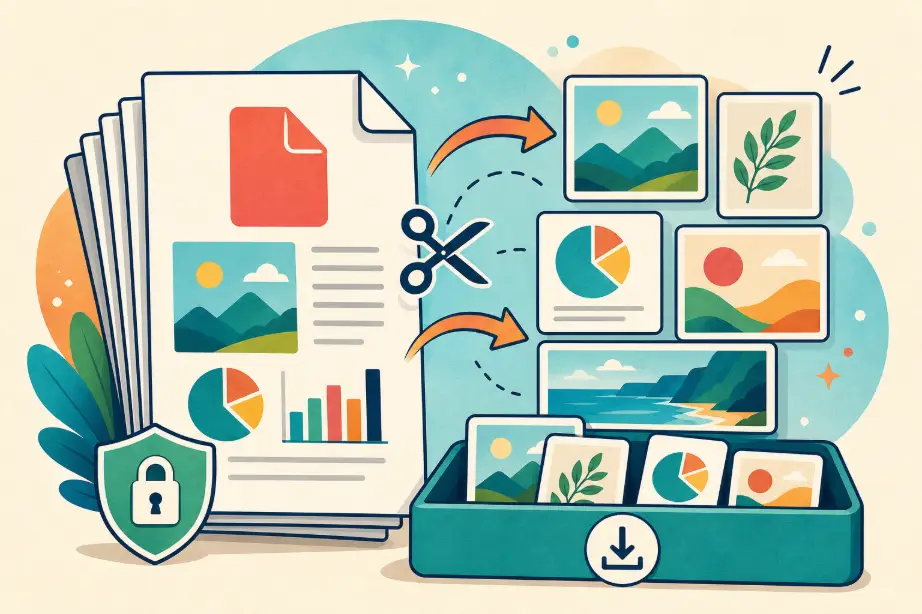
The PDF Image Extractor is a free online tool that scans your PDF file, detects all embedded images, and lets you download them individually or as a ZIP file.
You can use it directly in your browser — no installation, no registration, and no uploads to external servers.
🧭 How to Extract Images from a PDF (Step-by-Step)
1. Upload Your PDF
You can upload your file in two ways:
- Click “Choose PDF File”
- Or drag and drop your PDF into the upload area
Only one click is needed — the tool automatically begins processing.
2. Wait for Extraction
The tool analyzes all pages and extracts every image it finds.
You will see a loading animation with the message “Extracting images from PDF…”.
3. Preview All Images
Once extraction is complete, you’ll see:
- Thumbnail previews
- Image dimensions
- Image index numbers
This helps you confirm image quality before downloading.
4. Select the Images You Want
You have two options:
- Click individual images to select or deselect
- Use Select All or Deselect All for fast control
Selected images are highlighted clearly.
5. Download the Images as a ZIP File
Click:
“Download X Images as ZIP”
The tool packages only your selected images and generates a downloadable ZIP instantly.
🎉 Key Features
✔ Extract all images from any PDF
The system detects embedded images using PDF.js’s operator list and bitmap rendering.
✔ High-quality image output
Every extracted image retains its original resolution.
✔ Preview before downloading
See thumbnails, size, and clarity before saving.
✔ Select specific images
Perfect if your PDF contains many images but you only need a few.
✔ Download as ZIP file
Batch download multiple images with one click.
✔ No file size limits
Large PDFs are supported — the only limit is your device’s memory.
✔ 100% client-side processing
No uploads. No server storage. Your files remain on your device.
📌 Common Use Cases
📊 Extract graphics from reports
Charts, diagrams, vector images, and infographics from academic or corporate PDFs.
📸 Save photos from portfolios or albums
Easily extract high-quality photos from PDF-based galleries.
🖼 Reuse assets in presentations
Save images for PowerPoint, Word, Notion, or social media posts.
🗂 Archive visual materials separately
Organize important images without storing the entire PDF.
🔒 Privacy & Security
The PDF Image Extractor processes everything locally in your browser:
- No file uploads
- No server communication
- No data stored
- Full privacy protection
Perfect for sensitive documents, business reports, and confidential materials.
🧹 Troubleshooting
❗ “No images found in this PDF”
Some PDFs contain vector graphics instead of bitmap images. These cannot be extracted as photos.
❗ “Failed to extract images”
Possible causes:
- Encrypted or password-protected PDF
- Corrupted PDF file
❗ Images appear low resolution
If the original PDF used compressed or scaled-down images, extraction preserves the original quality — even if small.
🎉 Try the PDF Image Extractor Now
Start extracting images instantly:
👉 PDF Image Extractor – Free Online Tool
Fast, secure, and completely free — perfect for students, designers, researchers, and professionals.