
Introduction
If you often struggle with focus or time management, the Pomodoro Timer is your best companion.
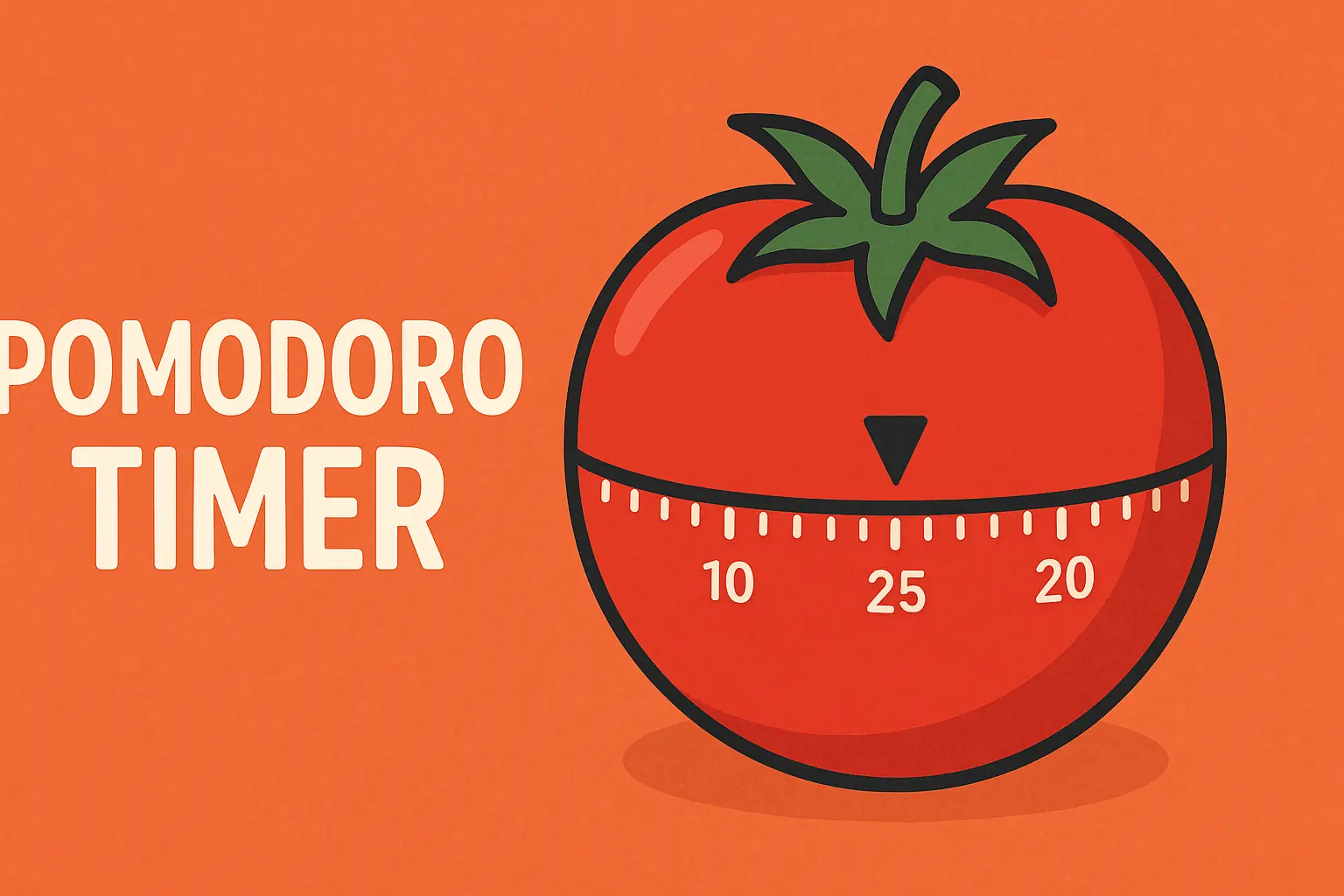
This free online productivity tool helps you stay concentrated through structured work-and-break intervals, based on the world-famous Pomodoro Technique.
No installation or signup — everything runs directly in your browser.
What Is the Pomodoro Technique?
The Pomodoro Technique was developed by Francesco Cirillo in the 1980s.
It divides your work into focused intervals (usually 25 minutes) called Pomodoros, followed by short breaks.
After four Pomodoros, you take a longer break to recharge.
This simple rhythm helps you avoid burnout, sustain deep focus, and accomplish more in less time.
How to Use the Pomodoro Timer
- Visit the Pomodoro Timer tool.
- Choose your task — something specific you want to focus on.
- Click Start to begin a 25-minute work session.
- When the timer rings, take a 5-minute short break.
- After completing 4 Pomodoros, take a longer break (15–30 minutes).
- Repeat the cycle throughout your day to maintain peak productivity.
💡 Pro Tips:
- Protect your work sessions from interruptions.
- If a task takes more than 5–7 Pomodoros, break it into smaller goals.
- During breaks, move away from your desk to refresh your mind.
Custom Timer Settings
The Pomodoro Timer gives you full control over your workflow:
- Adjust work, short break, and long break durations.
- Enable auto-start for breaks or work sessions.
- Turn notification sound on or off.
- View your daily statistics — total Pomodoros, work time, and break time.
These features make it easy to adapt the Pomodoro Technique to your personal pace and productivity style.
Track Your Tasks
Integrated task management lets you organize your work efficiently:
- Add new tasks with one click.
- Mark tasks as complete.
- See how many 🍅 Pomodoros each task took to finish.
This helps you monitor both time and progress throughout your day.
Why Use an Online Pomodoro Timer
- 🧠 Boosts focus and mental clarity
- ⏱ Prevents burnout through regular rest
- 📈 Encourages better planning and accountability
- 🌐 Works entirely online — no app downloads required
- 🔔 Optional browser notifications and sound alerts
The Pomodoro Timer keeps your data private — everything runs locally in your browser.