
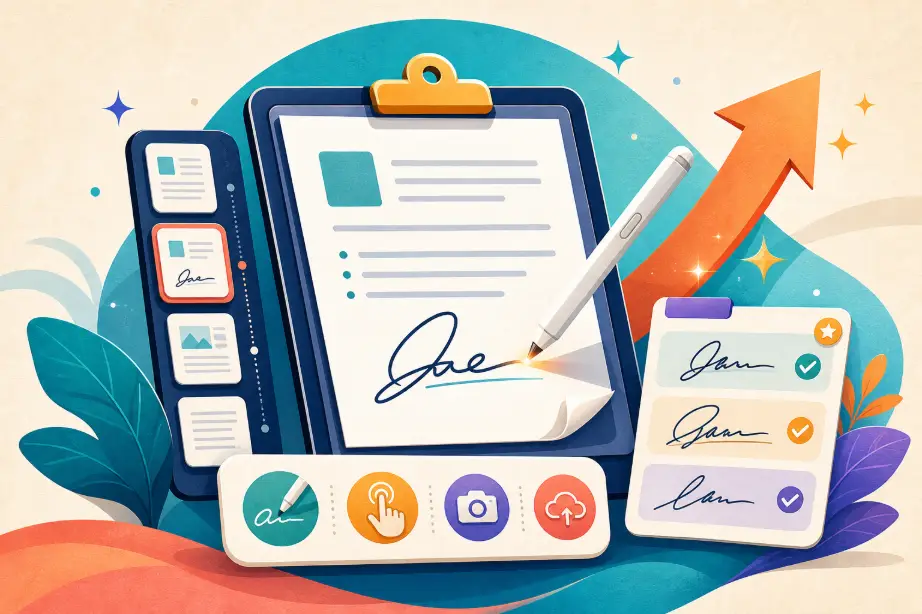
PDF Signature Tool Just Got Its Biggest Upgrade Yet
Our PDF Signature Tool is one of the most used office utilities on mmTools — and today it receives its largest upgrade ever.
This update completely transforms the signing experience with:
- A redesigned 3-step workflow
- New signature creation methods
- Powerful multi-page signing tools
- Advanced style customization
- A persistent signature library
- Better privacy & client-side processing
- Full UI/UX improvements
If you regularly sign contracts, agreements, forms, or digital documents, this upgrade will noticeably improve your workflow.
Let’s explore everything that’s new.
🔥 1. New Signature Creation System (Draw / Type / Upload / Saved)
The tool now supports four signature creation methods, allowing maximum flexibility:
✔️ Draw Signature
Use mouse, trackpad, or touchscreen
Smooth strokes + pressure-friendly line rendering.
✔️ Type Signature (Brand-New)
Just enter your name → instantly generate a handwritten-style signature.
Includes:
- 6 professional handwritten fonts
- Realistic baseline alignment
- Dynamic letter spacing
- Optional border style
✔️ Upload Signature (PNG/JPG)
Upload a transparent PNG for clean, professional results.
✔️ Saved Signatures Library (Brand-New)
Your signatures are now saved in browser storage.
You can:
- Store up to 10 signatures
- Name and manage each one
- Reuse signatures instantly
Perfect for users who sign documents frequently.
🎨 2. Advanced Styling Controls
The upgrade introduces full creative control over the appearance of your signature:
- Ink Color: Black, Blue, Navy
- Opacity: 30% – 100%
- Rotation: –15° to +15°
- Borders: None / Solid / Dashed
- Real-time preview for typed signatures
This makes the signing look more natural and more personalized.
📄 3. New Step-by-Step Signing Workflow
To make signing clearer and faster, the tool now uses a 3-step guided process:
Step 1: Create Signature
Draw, type, upload, or choose from your saved signatures.
Step 2: Place Signature
- Click anywhere on the page to place the signature
- Drag and preview positioning visually
- Place on multiple pages
- Adjustable signature size (30% – 200%)
- Support for portrait + landscape PDFs
Step 3: Download
Instantly get your signed PDF.
The workflow is intuitive even for first-time users.
🗂 4. Multi-Page Signing (Huge Upgrade)
Many users requested it — now it’s here.
You can:
- Navigate through pages
- Add different signatures on different pages
- Remove signatures from specific pages
- See which pages already contain a signature
- Add date/time stamps per page
The tool handles both small files and long multi-page contracts effortlessly.
📅 5. Automatic Date & Time Stamp (NEW)
Add a professional certification line:
“Signed on Nov 18, 2025, 10:32 AM”
Options include:
- Date only
- Date + Time
- Live preview
This is especially useful for legal, tax, HR, and compliance documents.
🖼️ 6. High-Precision PDF Rendering (Improved Quality)
The PDF preview now uses:
- 1.5× scale high-resolution canvas
- Cleaner text + vector rendering
- Accurate bounding placements
- Perfect alignment between preview and final PDF
Your signature will always appear exactly where you placed it.
🔒 7. 100% Client-Side Signing (Maximum Privacy)
Like all mmTools utilities, the updated PDF Signature Tool processes every file:
- In your browser
- With no uploads
- With no server storage
- With no tracking
Your contracts and signatures never leave your device.
🧩 8. Full UI/UX Redesign
You’ll notice major improvements:
- Modern gradient panels
- Clear step indicators
- Emoji-enhanced signature type selection
- Better hover states and feedback
- Touch-friendly design
- Clean, minimal visual style
- Multi-device optimization
The signing experience feels smoother, faster, and more polished.
✨ 9. Update Log Summary (Nov 18, 2025)
A quick summary of what’s included in this major release:
✔ Type-to-Sign signature generator
✔ Signature library with saved items
✔ Upload + draw + text + saved modes
✔ Color, opacity, rotation, borders
✔ Date & time stamp
✔ Page navigation system
✔ Multi-page signature support
✔ High-quality PDF rendering
✔ Fully redesigned interface
✔ Bug fixes and stability improvements
🎉 Try the Upgraded PDF Signature Tool
Explore all new features here:
👉 PDF Signature Tool – Sign PDF Documents Online
This is now one of the most advanced free e-signature tools available anywhere online — and we’ll continue improving it.